Cursor vs Claude Code: Which AI IDE Platform Should You Use in 2026?
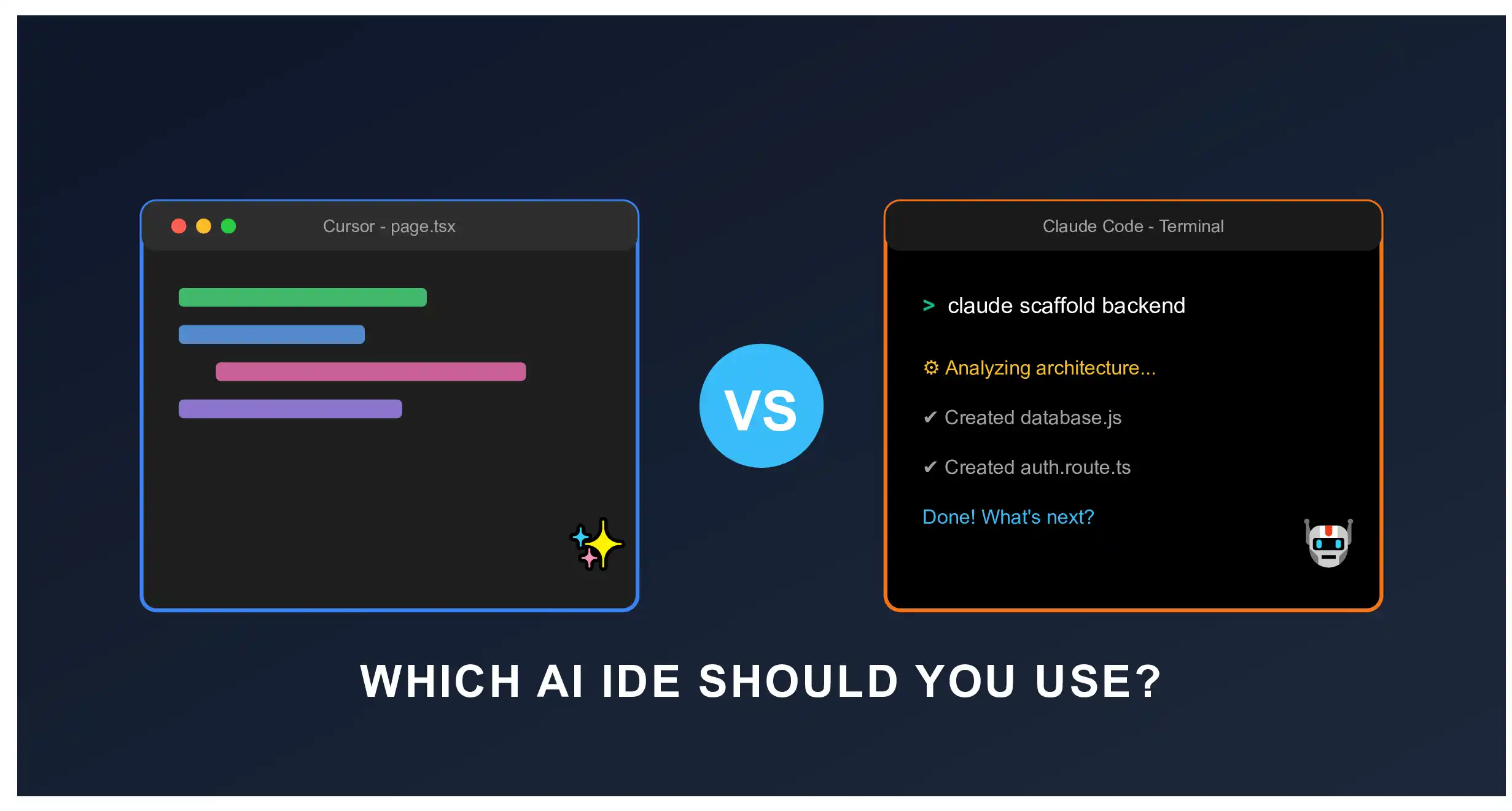
Look, I’ll be totally honest with you. A few months ago, I was completely overwhelmed by the sheer number of AI coding tools popping up every week. I wanted to migrate my standard coding setup to an AI-first approach, but I was hopelessly confused. Everywhere I looked on YouTube or Reddit, people were arguing about two main heavyweights: Cursor and Claude Code.
I didn’t want to just trust the marketing hype. I needed to know which tool would actually help me build apps faster without breaking my code or draining my wallet. So, I took a step back, rolled up my sleeves, and spent the last few weeks building identical full-stack web applications using both tools.
In this article, I am going to break down my genuine, real-world experience. No fluffy jargon, just the raw truth about what works, what sucks, and which AI IDE platform you should actually spend your time and money on.
My Experience with Cursor: The Familiar Beast
Let’s start with Cursor. If you already use Visual Studio Code (VS Code), opening Cursor is going to feel like coming home. I was super relieved when I downloaded it because Cursor is actually a direct fork of VS Code. All my favorite themes, keybindings, and extensions synced over flawlessly in about two minutes.
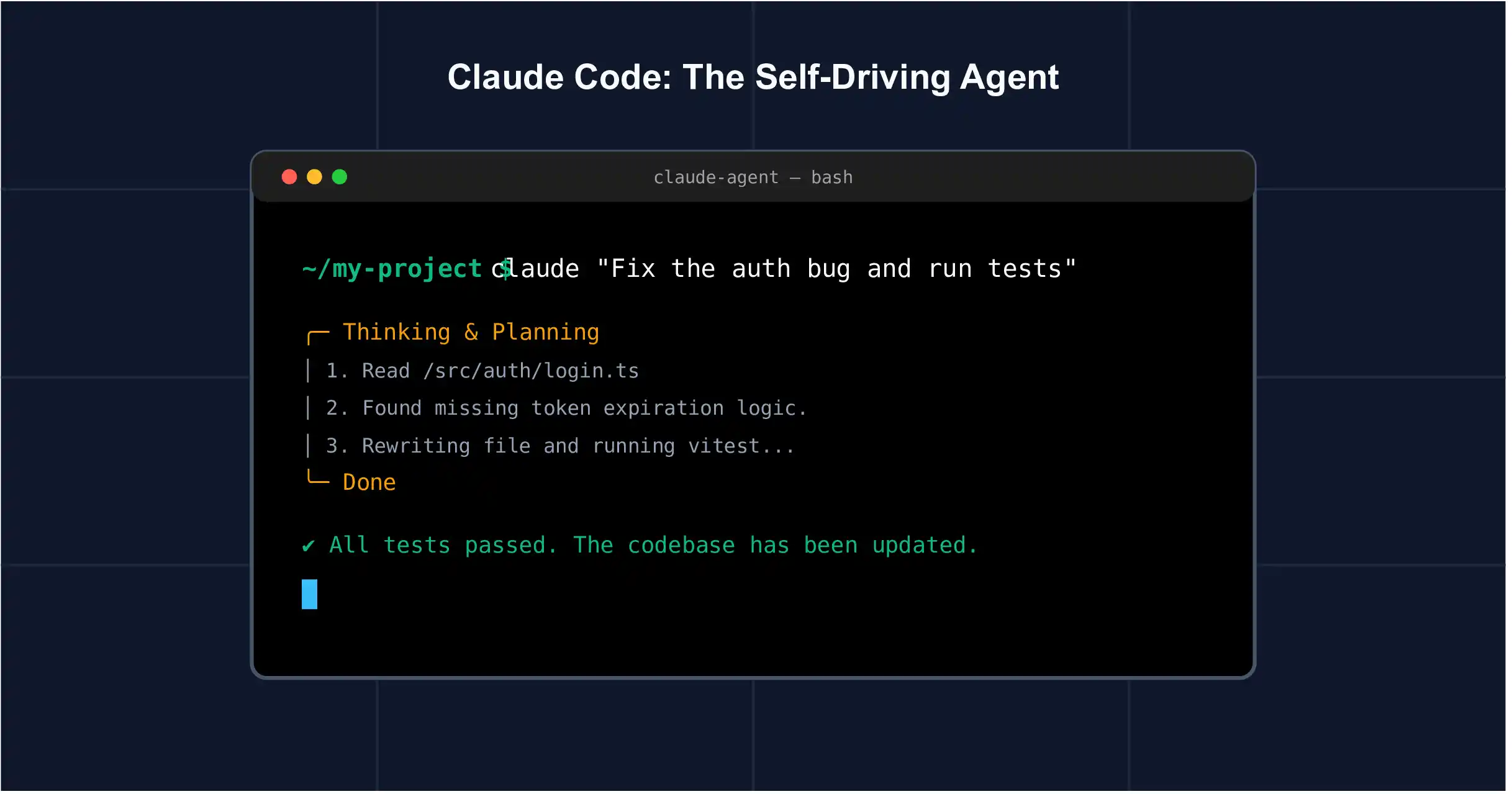
But that’s where the similarities end. Under the hood, Cursor is basically VS Code on steroids. When I started coding, the first thing that blew my mind was the Composer feature. Instead of just highlighting a few lines of code and asking the AI to fix a bug, I could hit a shortcut (Cmd+I or Ctrl+I), tell the AI what I wanted to build, and it would generate code across multiple files at once.
What I loved about Cursor:
- Multi-Model Flexibility: I wasn’t locked into just one AI. I could switch between Anthropic’s Claude 3.5 Sonnet, OpenAI’s GPT-4o, and even Cursor’s own custom models depending on what I was doing. This alone saved me so much frustration.
- Insanely Fast Tab Autocomplete: The autocomplete doesn’t just guess your next word; it predicts your next block of logic. I found myself just hitting “Tab” and watching it write exact boilerplate code I was thinking of. It felt like it was reading my mind.
- The UI: Because it’s an IDE first and an AI second, I never felt out of control. I could still write code manually, run my terminal, and use AI only when I got stuck.
However, I did notice a drawback. Because it’s a full IDE, it carries some of that VS Code “weight.” Sometimes it felt a little heavy, and when I tried to get the AI to run complex terminal commands or autonomously deploy my app, it struggled to do it all by itself. It still needed me to hold its hand.
My Experience with Claude Code: The Autonomous Genius
Next up was Claude Code by Anthropic. Now, I have to admit, my initial research left me a bit confused about this one. Was it an IDE? Was it a web app? Once I actually got my hands on it, I realized what makes it so special.
Claude Code started primarily as an agentic CLI (Command Line Interface) tool, though it now integrates deeply with the Claude ecosystem. Instead of giving you a shiny text editor with buttons, Claude Code lives directly in your terminal and works autonomously.
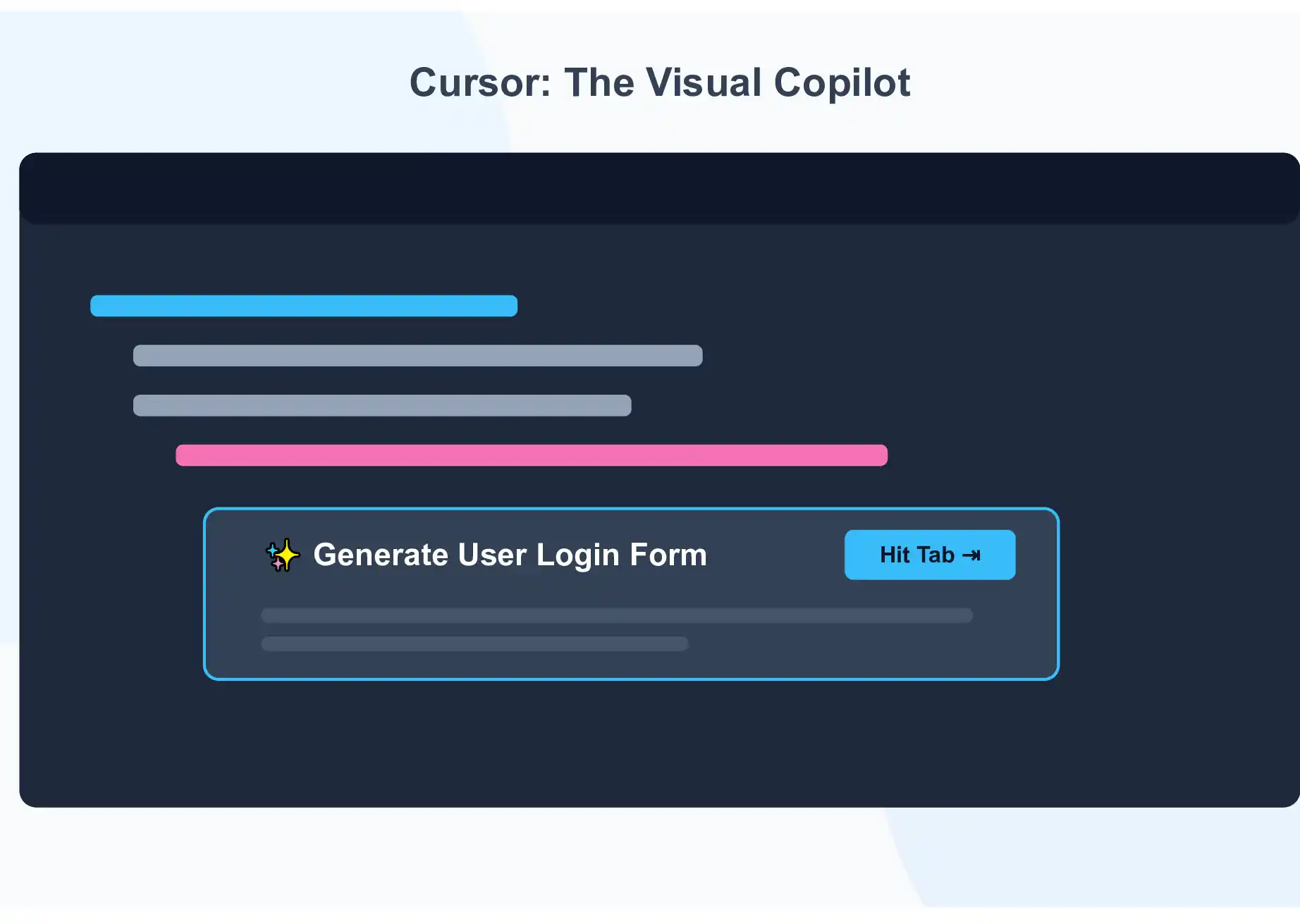
When I tested it, I didn’t even open my code editor for the first hour. I literally typed a command into my terminal telling Claude Code to scaffold a Next.js backend, set up my database, and write the authentication logic. And it just did it.
What I loved about Claude Code:
- True Autonomy: Unlike Cursor which waits for your command inside the editor, Claude Code acts like a senior developer sitting next to you. It reads your codebase, figures out what files need changing, edits them, and can even run your test scripts in the terminal to see if the code works.
- Deep Context Understanding: I noticed that Anthropic’s models (especially Opus) are incredibly smart at understanding massive, messy codebases. I didn’t have to manually attach files to my prompt. It just knew where everything was.
- Agentic Workflows: I could give it a high-level goal (e.g., “Build a user login page and style it like Stripe”), and it would break the task into steps, create a plan, and execute it piece by piece.
The downside? If you are a beginner who isn’t comfortable in the terminal, Claude Code can feel incredibly intimidating. You are giving up a lot of visual control. When I let it run wild, it sometimes made changes to files I didn’t want it to touch, and I had to spend time rolling back those changes.
The Core Difference: How I See It
After testing both, here is the best way I can explain the genuine difference to clear up your confusion:
Cursor is a Copilot. It sits in the passenger seat of your favorite car (VS Code). You are still driving, steering, and pressing the pedals, but Cursor is navigating the GPS and handling the radio. It’s safe, fast, and visual.
Claude Code is a Self-Driving Car. You get in the back seat, tell it the destination, and it starts driving. It has access to the engine (your terminal), the steering wheel (your files), and the gas pedal. It’s highly autonomous, but you have to trust it.
Head-to-Head Comparison: Solving the Real Problems
If you are still on the fence, let’s break down the actual problems you care about as a developer or a tech entrepreneur.
1. Speed of Development (Winner: Tie, depending on the task)
I found that for tweaking UI, writing simple scripts, or doing front-end design work, Cursor was much faster. I could highlight a div, press a button, and ask it to change the layout. But when I needed to build a complex backend API from scratch, Claude Code was way faster because I could just tell it what I wanted and walk away to grab a coffee while it built and tested the logic.
2. Code Quality and Debugging (Winner: Claude Code)
Whenever I ran into a nasty, deep-rooted bug, Claude Code’s ability to read the entire project context and run its own diagnostic commands in the terminal made it the clear winner. Cursor is great, but sometimes it hallucinates fixes that don’t actually work because it doesn’t “test” the code itself the way Claude Code does.
3. Ease of Use (Winner: Cursor)
There is zero learning curve if you know VS Code. I was productive with Cursor within five minutes. Claude Code took me a few days to get used to, especially learning how to manage its tokens and steer the AI when it went off track.
4. Pricing & Hidden Costs
Here is something you need to be careful about. Cursor operates on a straightforward subscription model (around $20/month for Pro), which gives you a set amount of fast requests. It’s predictable. Claude Code, on the other hand, often connects to your Anthropic API key, meaning you pay per token. If you let Claude Code run an infinite loop trying to fix a bug, it can burn through your API credits incredibly fast. I learned that the hard way during my tests!
My Final Verdict: Which One Should YOU Choose?
After all the hours I spent researching and testing, here is my genuine advice:
Choose Cursor if: You are a front-end developer, a beginner/intermediate coder, or someone who loves visual control. If you want the absolute best IDE experience that feels like a natural extension of your hands, Cursor is the undisputed king right now. I still use it every single day for my daily coding tasks.
Choose Claude Code if: You are a backend developer, a startup founder doing “agentic” rapid prototyping, or a power user who loves the terminal. If you want an AI that can autonomously build, test, and deploy entire features while you oversee the process, Claude Code is the future of software engineering.
Pro Tip from my workflow: I actually ended up using both. I use Claude Code in my terminal to scaffold the heavy architecture of my apps, and then I open that folder in Cursor to do the visual UI tweaks and manual coding. It’s a match made in heaven.
Frequently Asked Questions (FAQ)
I noticed a lot of people asking the same questions online, so I put together this quick FAQ based on my own research to clear up any remaining confusion.
Final Thoughts
Thank you so much for reading my very first blog post on this site! Transitioning to AI coding tools was the best decision I made this year. It gave me my weekends back and took away the stress of mundane boilerplate coding.
Whether you choose the comfortable, powerful UI of Cursor, or the autonomous terminal wizardry of Claude Code, you are making a massive step forward in your tech journey. Don’t let the choice paralyze you—pick the one that sounds best for your style, download it, and just start building something awesome today.
If you found my research helpful, make sure to bookmark the site! I’ll be updating the AI Tool category weekly with more deep dives, tutorials, and honest reviews. Happy coding!